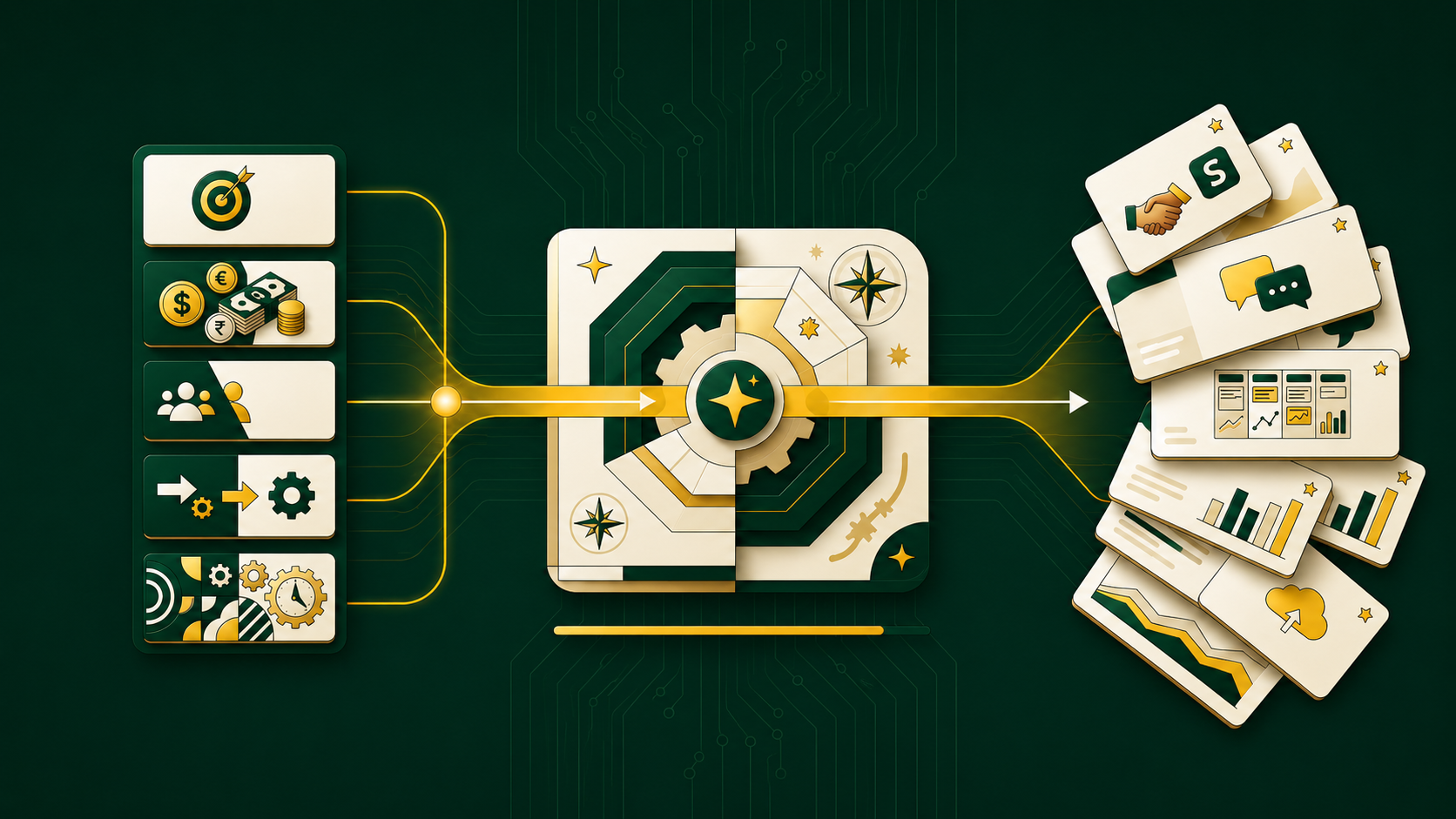

If you’ve spent any time around AI tooling this year, you’ve probably run into the acronym MCP. It shows up in Claude Desktop settings, in Cursor’s integrations menu, in VS Code’s Copilot panel — everywhere developers are trying to get an AI model to do something with their actual data instead of just talking about it.
So what is MCP, actually? And why did it go from a niche Anthropic spec to something Google Cloud, OpenAI, and half the dev-tools ecosystem now support?
MCP in one sentence
Model Context Protocol (MCP) is an open standard that lets AI applications connect to external data sources, tools, and workflows through a single, consistent interface — instead of every AI app needing a custom, one-off integration for every database, API, or service it wants to use.
The official MCP documentation describes it as a way for AI applications like Claude or ChatGPT to connect to data sources such as local files and databases, tools like search engines and calculators, and workflows like specialized prompts — giving them the ability to access key information and perform real tasks. The documentation’s own analogy has stuck for a reason: MCP is like a USB-C port for AI applications — a standardized way to plug AI into external systems, the same way USB-C standardized how devices connect to each other.
MCP was introduced by Anthropic in November 2024 as an open standard, designed to give large language models a secure way to talk to external data, applications, and services. Before MCP, LLMs were essentially frozen at their training cutoff and cut off from the live world — they couldn’t access real-time data or take actions like booking a meeting or updating a customer record. MCP exists to close that gap.
Why MCP exists: the “N×M” integration problem
Before MCP, if you wanted an AI model to talk to your CRM, your database, and your internal wiki, someone had to build three separate, bespoke integrations. Multiply that by every AI model and every tool, and the number of custom connections needed grows extremely fast — a mess commonly called the “N×M” problem.
MCP fixes this with one common, open standard for the connection layer, much like a USB-C port simplifies how devices connect. The practical payoff: lower development costs, faster AI application development, and the ability for developers to swap LLM providers or add new tools without rebuilding everything from scratch.
How MCP is structured: hosts, clients, and servers
MCP’s architecture has three moving parts. Google Cloud’s breakdown of the protocol is a clean summary of how they fit together:
MCP Host — the AI application or environment (an AI-powered IDE, a conversational assistant) that contains the LLM and is the user’s actual point of interaction.
MCP Client — sits inside the host and acts as the go-between for the LLM and the MCP server, translating the LLM’s requests into protocol messages and converting server replies back into something the model can use, while also discovering which servers are available.
MCP Server — the external service that actually supplies data or capability to the LLM, connecting out to databases and web services and translating their responses into a format the model can work with.
GeeksforGeeks frames the same three-part split slightly differently but lands on the same idea: servers handle data access and actions by connecting to databases, APIs, or tools and return results based on client queries; clients act as the communication bridge, converting requests into structured protocol messages and maintaining a one-to-one connection with each server, while a single host can run multiple clients; and hosts provide the interface where the user actually interacts with the system, coordinating everything end to end.
Underneath all of this sits the transport layer, which is what actually carries the messages back and forth. It uses JSON-RPC 2.0 messages over two main transport methods: standard input/output (stdio), which is fast and synchronous and works well for local resources, and server-sent events (SSE), which is preferred for remote resources because it allows real-time, efficient streaming.
A concrete example of MCP in action
Abstract architecture diagrams only get you so far — here’s what actually happens end-to-end when MCP handles a real request. Say you ask an AI assistant to find your latest sales report and email it to your manager. Google Cloud walks through it step by step:
- The model recognizes it can’t query a database or send email on its own, so it uses the MCP client to discover available tools — finding a database_query tool and an email_sender tool registered on MCP servers.
- It generates a structured request to call the database_query tool with the report name, and the client routes that request to the right server.
- The server turns that into a secure SQL query, retrieves the report, and sends the formatted data back to the model.
- Armed with the report, the model calls the email_sender tool with the manager’s address and the report content, and the server confirms once the email is sent.
- The model reports back that the report was found and emailed.
That’s the whole loop — discover tools, call them, get structured results back, keep going until the task is done.
What can you actually build with MCP?
This isn’t just a database-and-email trick. Real-world MCP use cases span a lot of ground:
- Agents connecting to Google Calendar and Notion to act as a more personalized assistant
- Claude Code generating an entire web app from a Figma design
- Enterprise chatbots querying multiple databases across an organization so people can analyze data conversationally
- AI models designing 3D objects in Blender and sending them straight to a 3D printer
GeeksforGeeks adds a few more everyday categories: connecting AI to platforms like Google Drive, Slack, and GitHub to automate workflows and data access, automating developer tasks like code fixes, documentation, and reviews, improving customer support by integrating with CRM systems for real-time, personalized responses, and even supporting healthcare use cases by enabling access to patient data for better diagnosis and recommendations.
MCP vs. RAG: what’s the actual difference?
People new to this space often conflate MCP with RAG (Retrieval-Augmented Generation), since both are about feeding an LLM information it wasn’t trained on. But they solve different problems:
RAG is about retrieving relevant information from a knowledge base and using it to generate a better answer, while MCP is a broader system for interaction and action. Put simply: RAG’s mechanism incorporates a retrieval step that pulls information from a knowledge base to augment the prompt, whereas MCP defines a standardized protocol for the LLM to invoke external functions or request structured data from specialized servers.
The practical distinction: RAG is designed for passive retrieval of information to inform text generation, not for executing actions in external systems, while MCP is built for active interaction — actually doing things like booking a flight, updating a CRM record, or running code. If RAG answers “what do I need to know,” MCP answers “what do I need to do.”
Why MCP matters (to different people, differently)
For developers, MCP reduces the development time and complexity of building or integrating with an AI application or agent. For AI applications and agents, it opens up access to a whole ecosystem of data sources, tools, and apps that expand capability and improve the end-user experience. For end users, the upshot is simply more capable AI that can access your data and take actions on your behalf when it needs to.
Google Cloud also points to a more measurable benefit: MCP helps reduce hallucinations, because models grounded in real, external, reliable data sources are less likely to fabricate plausible-sounding but incorrect answers.
Security considerations you shouldn’t skip
Connecting an LLM to your real systems is powerful — and that power cuts both ways. Because MCP can access data and potentially execute code through connected tools, strong security practices are essential. A few principles worth internalizing before you deploy anything in production:
- User consent and control — people need to clearly understand and agree to whatever actions and data access the LLM performs through MCP, ideally through clear authorization screens.
- Tool safety — don’t trust tool descriptions that don’t come from a reliable server, and make sure users understand what a tool does before it’s allowed to run.
- Supply chain security — the reliability of the MCP servers and external tools you connect to matters a lot, since a compromised link can lead to biased results, security breaches, or outright failures.
If you’re building or deploying MCP servers for a team, treat this the same way you’d treat any other piece of infrastructure with access to production data — because that’s exactly what it is.
Limitations worth knowing about
MCP isn’t magic, and it isn’t free of trade-offs. GeeksforGeeks lists a few worth keeping in mind: the system relies heavily on external APIs and platforms, so it’s dependent on their uptime and reliability; it raises real security and privacy questions when accessing sensitive data; it can introduce latency from real-time fetching across multiple sources; and it can produce inaccurate results if the external data source itself is wrong or stale. In other words, MCP is only as trustworthy as the servers and data behind it.
Local vs. remote MCP servers
One practical decision you’ll face when building with MCP is where to run your server. Local servers are best for tasks needing high speed and low latency — like pulling context from a local IDE or private file system — using fast transport methods like stdio, with the added benefit that sensitive data never has to travel over a network, making them well suited to offline use or confidential data. Remote servers, by contrast, offer more flexibility and scale, letting models connect to public web APIs or shared enterprise services over transport methods like SSE, which supports real-time streaming and lets multiple AI applications share the same tool.
Getting started
If you want to go from “I understand MCP” to “I’ve built something with it,” the official MCP documentation is the right starting point — it covers building your own MCP servers, building clients that connect to them, and building interactive MCP Apps that run inside AI clients like Claude. It’s also worth noting how fast the ecosystem has grown: MCP is now supported across Claude, ChatGPT, VS Code, Cursor, and a growing list of development tools, so building an MCP server once tends to pay off across multiple AI applications rather than just one.
For a deeper technical walkthrough of the client/server architecture with a hands-on setup example, GeeksforGeeks’ Model Context Protocol (MCP) guide is a solid follow-up read, and Google Cloud’s guide to MCP goes deeper on hosting, scaling, and security if you’re planning a production deployment. If you’d rather watch than read, this video walkthrough and this explainer are useful visual companions, and the r/ClaudeAI community has a genuinely helpful plain-language breakdown of how MCP works from developers who were in the same “still confused” boat you might be in right now.
The bottom line
MCP is the plumbing that turns AI models from isolated chatbots into agents that can actually reach into your tools, your data, and your workflows — safely, and without a custom integration for every single connection. Whether you’re evaluating it for a product, building your first server, or just trying to understand what your AI coding assistant is doing when it “uses a tool,” the core idea is simple: MCP standardizes how AI asks for help from the outside world, so developers stop reinventing that wheel every time.


